AI Integration

Enable the AI button by going to File→Preferences→Operation and check the box labeled Show AI Button.
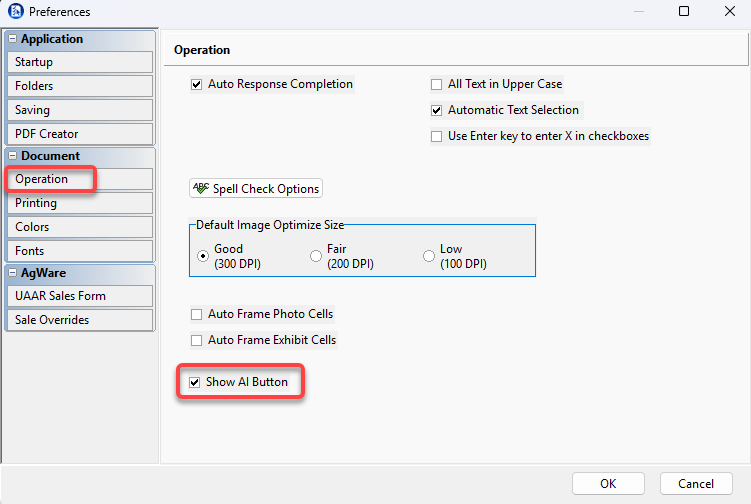
To configure ClickForms to use OpenAI:
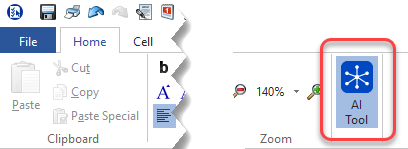
1. Click on the AI Tool on the home tab.
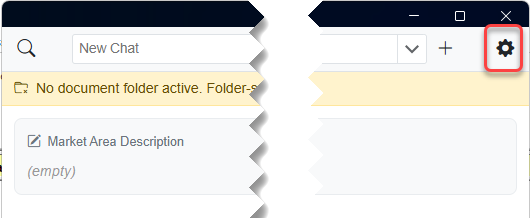
2. Click on the gear icon in the popup.
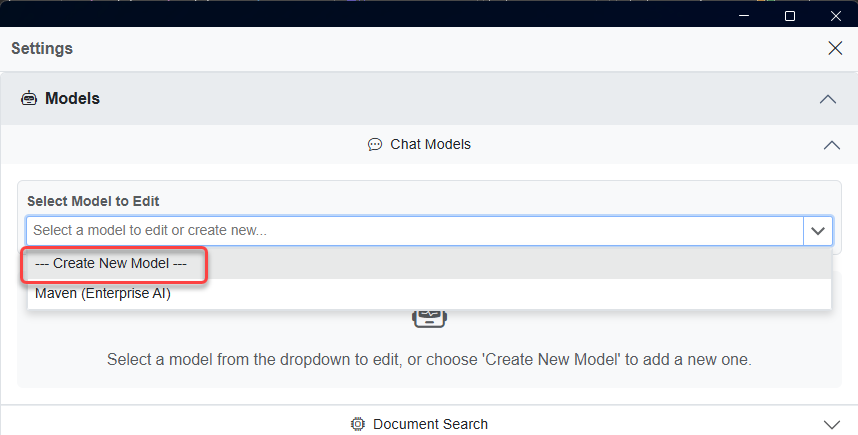
3. Click the dropdown to select model to edit and choose Create New Model.
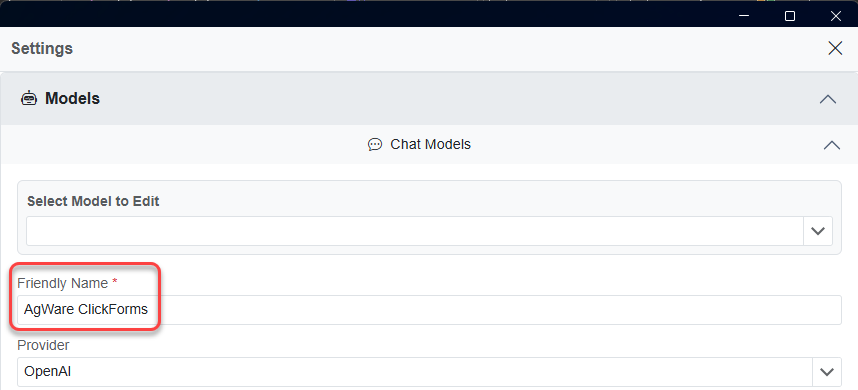
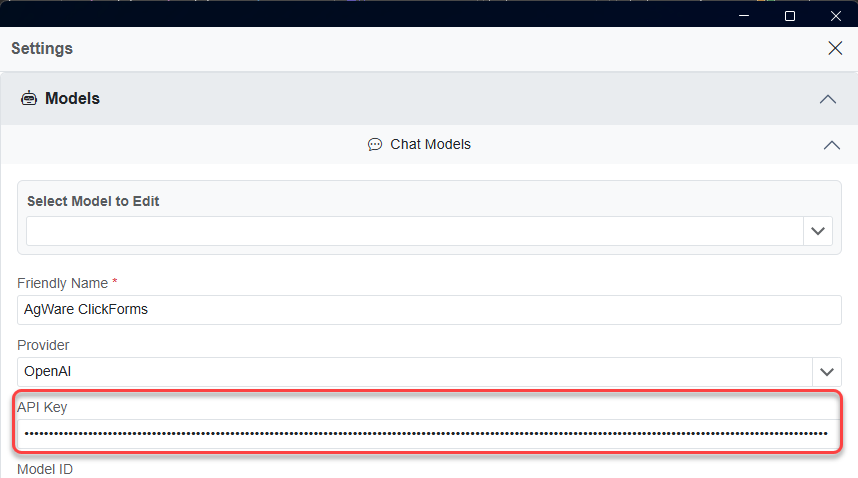
4. Choose a Friendly Name.
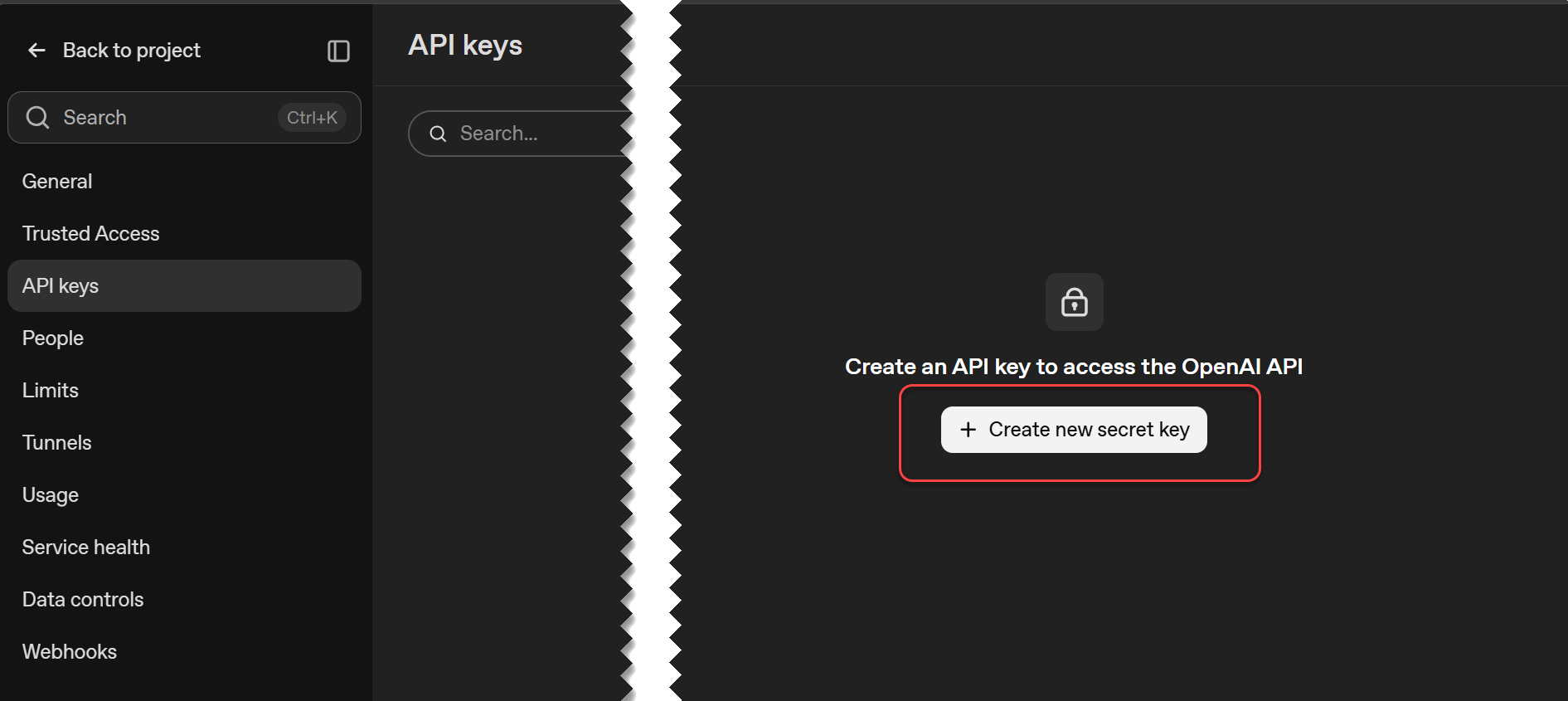
5. Go to https://platform.openai.com/login?next=%2Fapi-keys and log in.
6. Copy the key that was generated and paste it into the API key
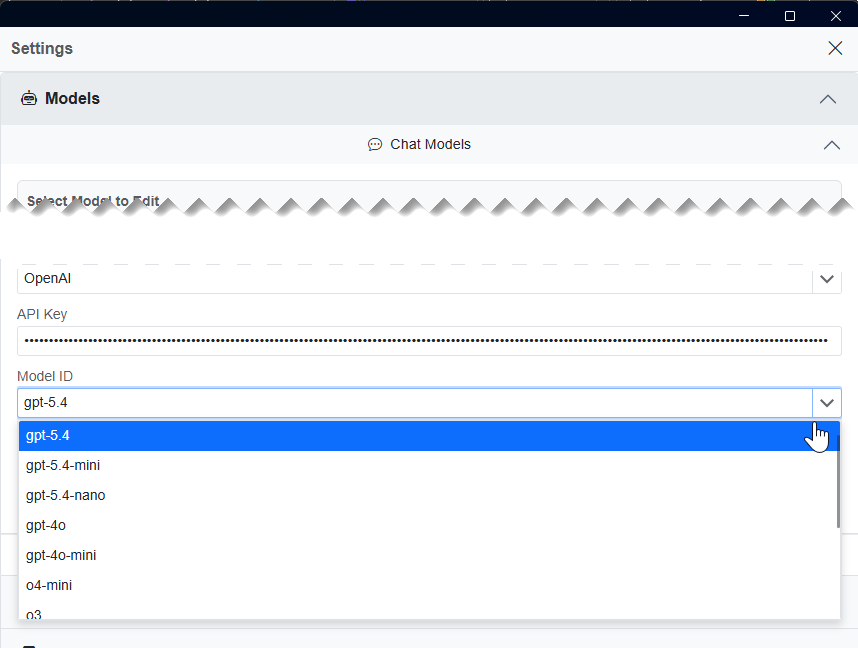
7. Select the model you want use.
8. Click Create New and it should then be configured
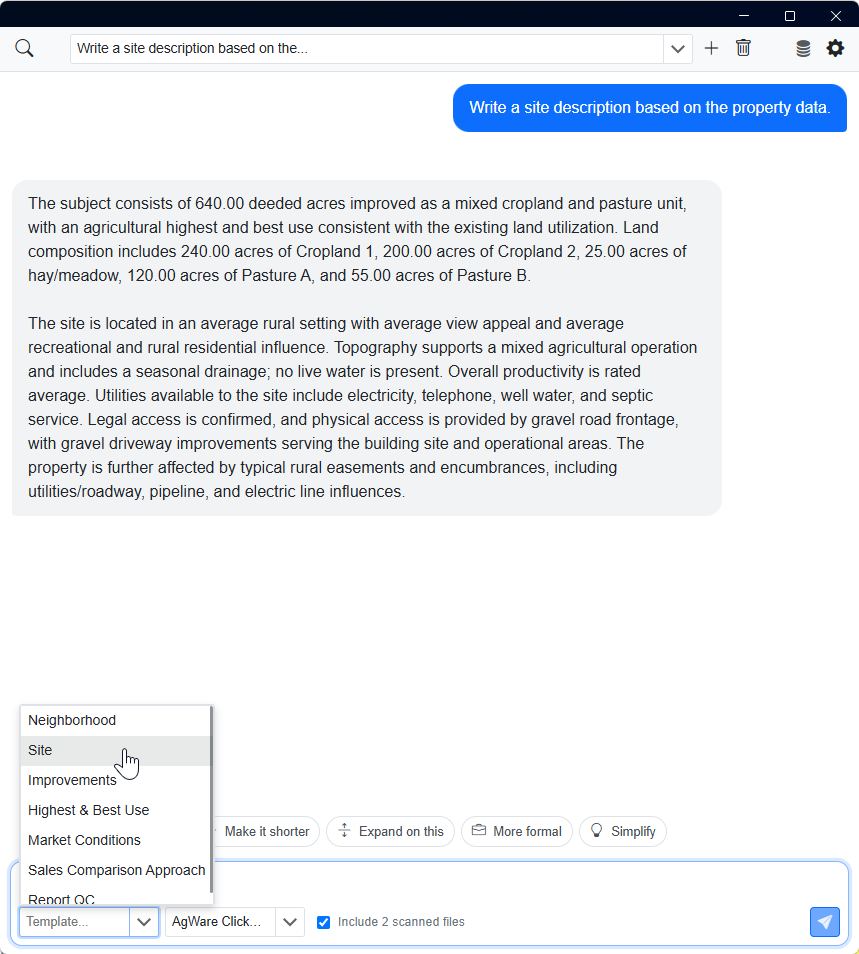
When you run the AI tool on a saved report, you will be prompted to scan the folder the report is in. Then you can use the prompt or the already existing templates.
|
1. |
2. |
|
3. |
4. |
|
5. |
6. |
|
7, |
8. |